Announcements

  1. Email Notifications Are Here

    New Feature

    Following authors on the site is useful, but it only works when you are on the site. Most of the time, you are not — you are reading, or working, or doing something that is not checking a website for book updates.

    Now you can subscribe to email notifications for the authors and series you care about. When a new book is added to the site, we will send you a short email with what was added and where it fits in the series. No marketing, no weekly digests you did not ask for — just the book, when it appears.

    Head to any author or series page and hit Subscribe. You choose what you want to hear about. If you follow five authors but only want email alerts for two of them, that is fine. You can manage your notification preferences from your account settings at any time.

    We built this on our own self-hosted email infrastructure, which means your inbox is not at the mercy of a third-party marketing platform. Emails come from us, they contain what we said they would contain, and you can unsubscribe in one click.

    If you are the kind of reader who wants to know the moment a new book drops, this is for you.

    Add a comment

    Comments

  2. Author FAQs on Every Page

    New Feature

    Every author page on Shelf & Shadows now includes a section answering the questions readers actually ask. What order should I read this series in? Are there spin-offs? Is the series finished? Do I need to read one series before starting another?

    These are not generic FAQs. They are sourced from real search queries — the things people type into Google when they are standing in a bookshop or scrolling their Kindle library trying to figure out where to start. We answer them clearly, with specifics, right on the author page where you need them.

    If an author has written multiple series that share a universe, the FAQ explains the connections and whether reading order matters. If a series has a commonly recommended starting point that differs from publication order, that is covered too.

    We added these because a good reading order page should not just list the books — it should answer the questions that made you look up the reading order in the first place. The reading order is the answer to one question. The FAQ handles the rest.

    Browse any author page and scroll to the Questions section.

    Add a comment

    Comments

  3. Your Personal Library

    New Feature

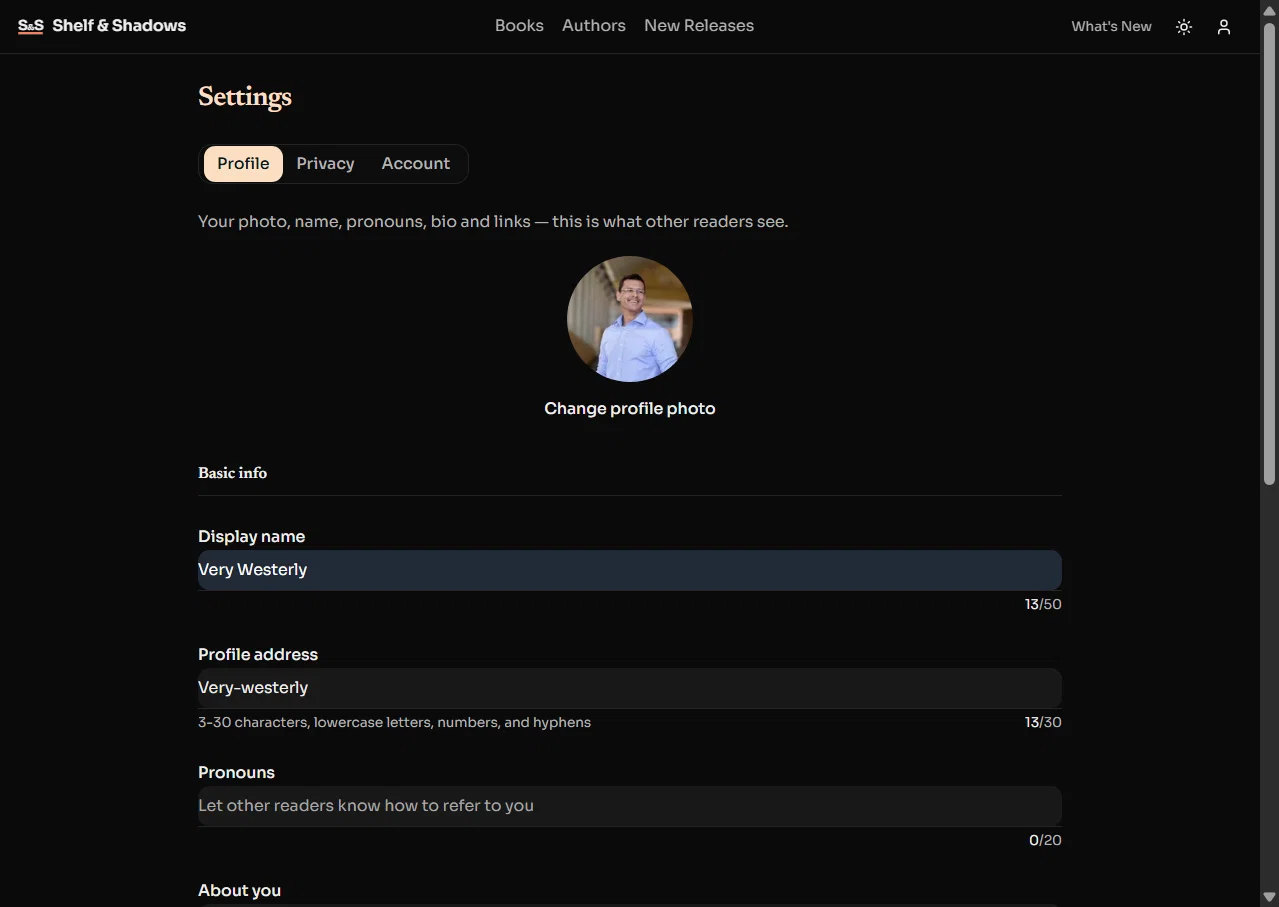
    A reading order site tells you what order to read books in. But if you are working through multiple series at once — and most readers are — you need somewhere to keep track of what you are actually reading.

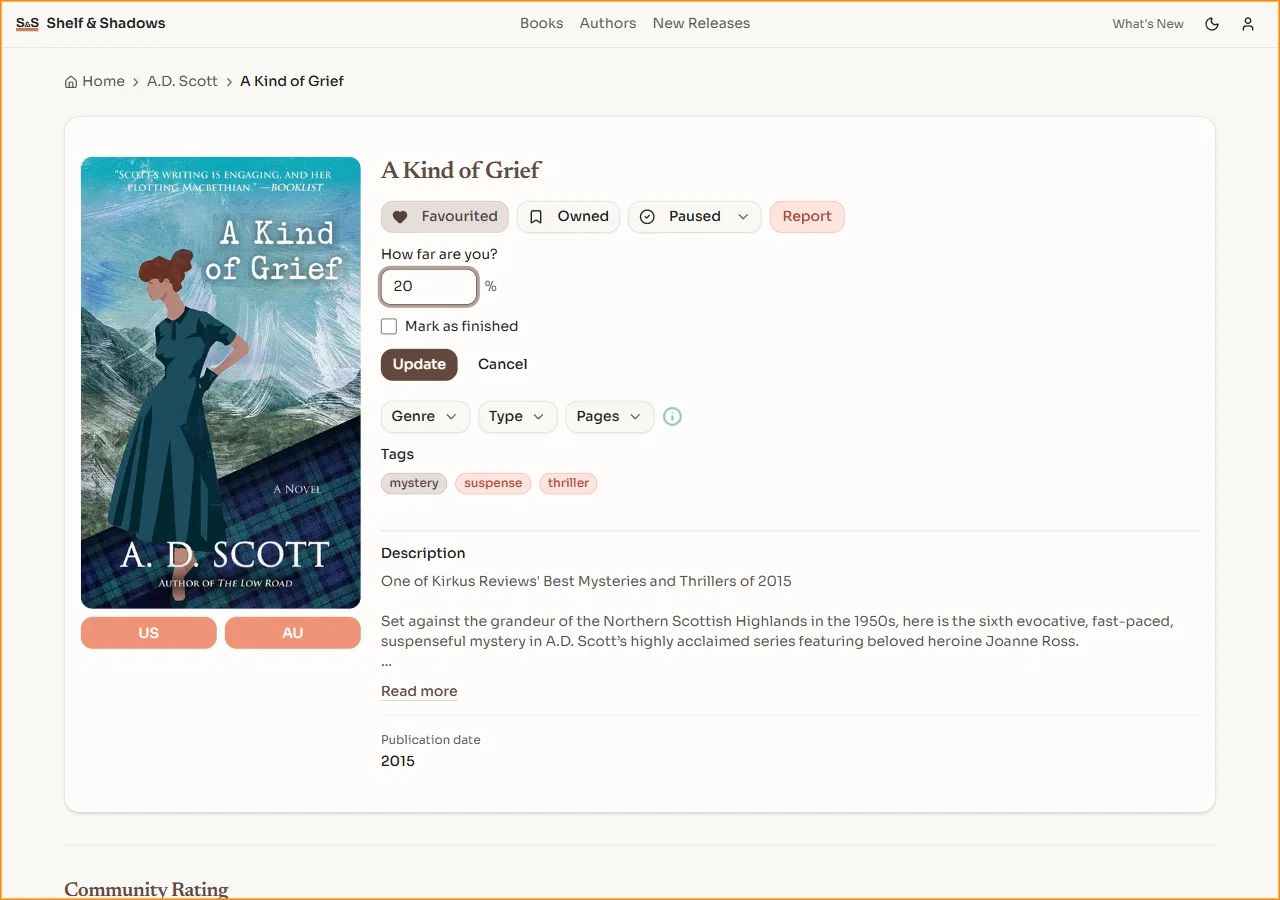
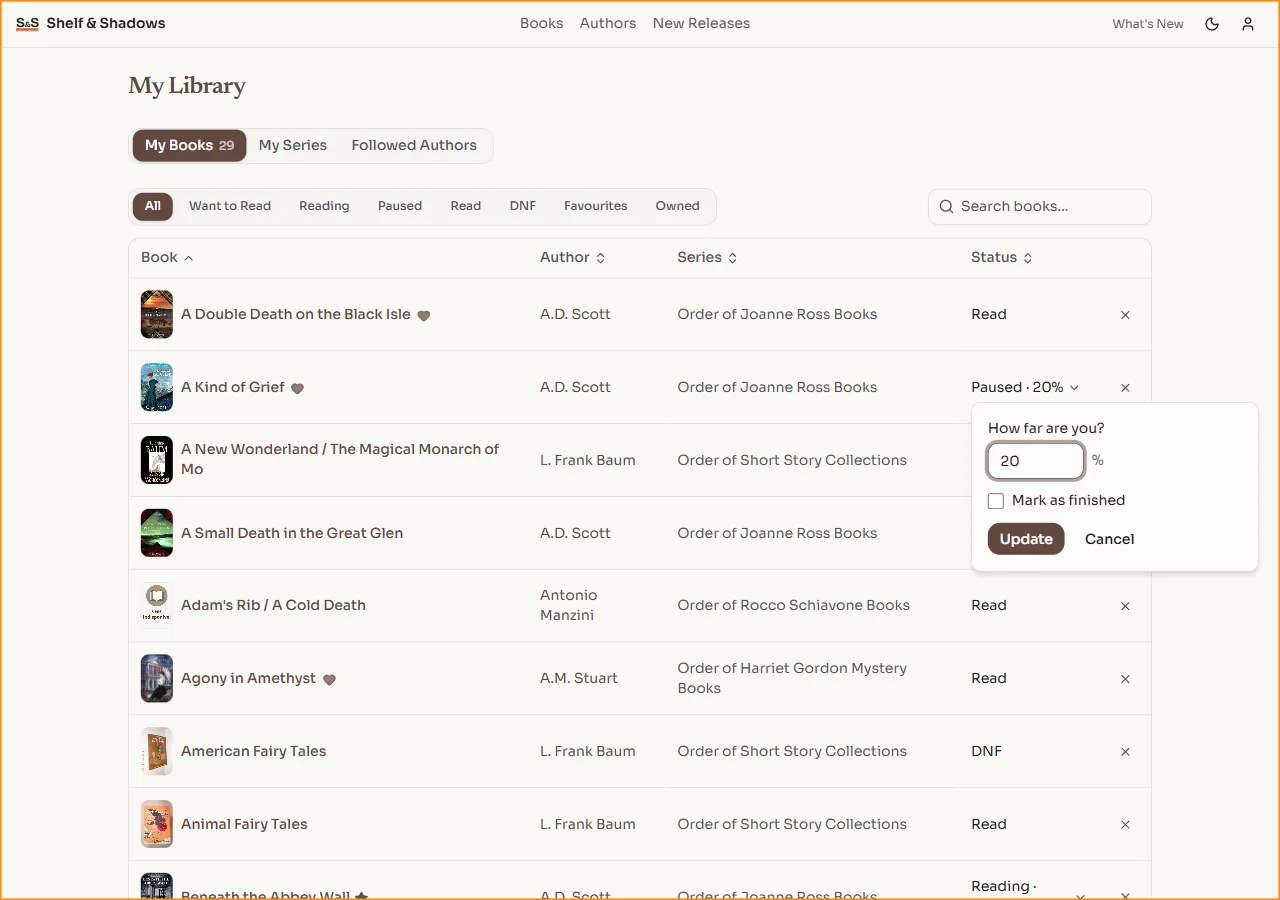
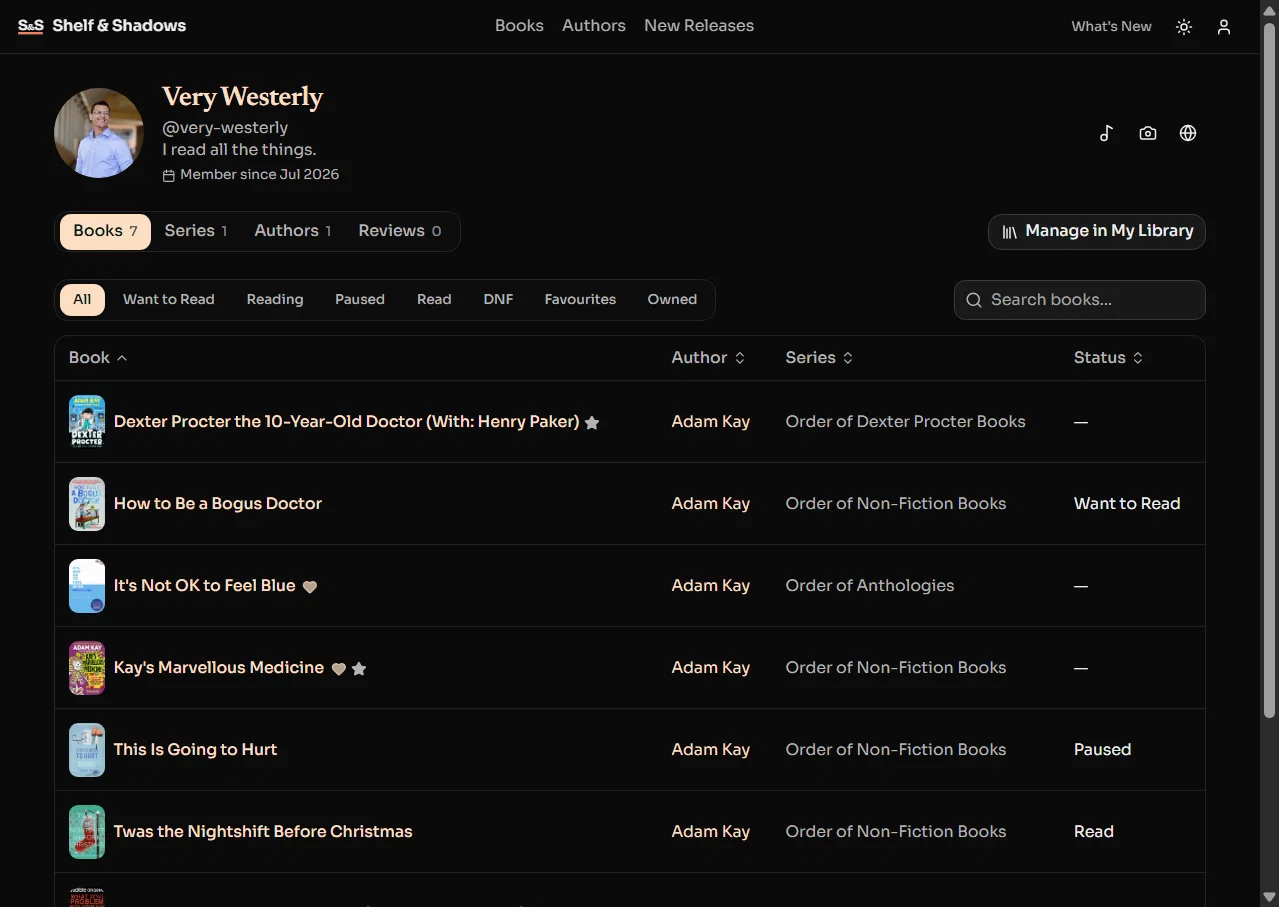
    You can now save any book to your personal library on Shelf & Shadows. Every book can be marked as one of three statuses: Want to Read, Currently Reading, or Read. Your library is your own space to organise what you have finished, what you are in the middle of, and what you want to get to next.

    Open any book page and click the bookmark icon to add it. You can also mark books directly from series pages as you browse reading orders. Your full library is always available from your account.

    We designed this around how readers actually think about books — not as a database to manage, but as a shelf to glance at. What am I reading? What is next? What caught my eye last week? That is what your library answers.

    Add a comment

    Comments

  4. Follow Authors You Love

    New Feature

    When you find an author you enjoy, you probably want to know when something new appears in their catalogue. A new book in an ongoing series, or the start of something entirely new.

    You can now follow any author on Shelf & Shadows. Hit the Follow button on their author page, and that author is added to your followed list. When new books are added to their catalogue on the site, you will know about it.

    Following is free, takes one click, and you can manage who you follow from your account at any time. No limits on how many authors you follow.

    We built this because the moment between finishing a series and wondering "has this author written anything else?" should not require a Google search. If you are already here looking up reading orders, the updates should come to you.

    Open any author page and hit Follow to get started.

    Add a comment

    Comments

  5. Track Your Series Progress

    New Feature

    Shelf & Shadows helps readers find the right order for book series — but knowing the order is only half the problem. The other half is remembering where you left off.

    You can now mark which books you have finished in any series and see at a glance exactly where you left off. Open any series page and your progress is right there — which books you have read, which ones are next, and how far through the series you are.

    This works across every series on the site, whether you are three books into a trilogy or twenty-eight deep into Jack Reacher. Your progress is saved to your account, so it follows you between devices.

    We thought about how readers actually use a site like this. You look up a series, you check where you are, you find the next book. That should take seconds, not a trip to your Amazon order history.

    Open any series page and start marking books as read. Your place is saved automatically.

    Add a comment

    Comments

  6. Find Us on Pinterest

    New Feature

    Shelf & Shadows is now on Pinterest.

    We publish curated pins for book series — reading order guides, author spotlights, and series collections designed to be saved to your boards. If you are the kind of reader who plans your next read visually or likes saving book recommendations for later, this is where to find us.

    Every pin links back to the relevant author or series page on the site, so you can go from a pin to a full reading order in one tap. We are adding new pins regularly as we expand the catalogue.

    We chose Pinterest because it is where readers already collect and organise the things they want to come back to. A reading order guide pinned to a "Books to Read" board is useful in a way that a social media post disappearing into a feed is not. It stays there until you are ready for it.

    Follow us on Pinterest and save the series you are interested in. When you are ready to start reading, the reading order is one click away.

    Add a comment

    Comments

  7. Better Book Descriptions Across the Site

    A book description should help you decide whether to read it. Not summarise the plot in marketing speak, not spoil the twist in the second paragraph, and not sound like every other description on the shelf.

    We have rewritten book descriptions across Shelf & Shadows. Every book now gets a description that gives you a genuine sense of what to expect — the tone, the setting, the kind of story it is — without giving away what happens.

    Descriptions vary by genre and by book. A tense thriller reads differently from a cosy mystery, which reads differently from an epic fantasy opener. Some lead with the character, some with the world, some with the central question of the story. We deliberately built variety into how descriptions are written so that browsing an author page with twenty books does not feel like reading the same paragraph twenty times with different names swapped in.

    We also fixed a problem where publisher blurbs and pull quotes were leaking into descriptions, so you no longer get a random "A masterpiece — The Times" wedged into the middle of a summary.

    If you have browsed the site before and the descriptions felt a bit samey, take another look. Start with an author you know well — you will notice the difference.

    Add a comment

    Comments

  8. Fully Optimised for Mobile

    Most readers browse on their phones. Checking a reading order while you are in a bookshop, scrolling through series on the sofa, looking up an author on the bus. If the site does not work well on a small screen, it does not work.

    We have done a full responsiveness pass across every page on Shelf & Shadows. This is not a case of shrinking the desktop layout and hoping for the best — every page has been designed to feel right on mobile, tablet, and desktop independently.

    Specifically: every button and link meets a 44-pixel minimum tap target on mobile, so you are not squinting and stabbing at tiny links. Book action buttons stack into a clean grid on small screens instead of cramming into a row. Cards, spacing, and typography all adjust to give you a comfortable reading experience at every screen size. The subscribe form, the Amazon buy links, the series tracker — all of it is properly sized for a thumb.

    We also made sure the site supports pinch-to-zoom, because some readers prefer to zoom in and that should always be their choice.

    If you have only ever used Shelf & Shadows on desktop, try it on your phone. Browse a series, check your progress, explore an author page. It should feel like it was built for the screen you are holding.

    Add a comment

    Comments

  9. Common Reader Questions on Every Author Page

    New Feature

    Every author page on Shelf & Shadows now includes a section answering the questions readers actually ask. What order should I read this series in? Are there spin-offs? Is the series finished? Do I need to read one series before starting another?

    These are not generic FAQs. They are sourced from real search queries — the things people type into Google when they are standing in a bookshop or scrolling their Kindle library trying to figure out where to start. We answer them clearly, with specifics, right on the author page where you need them.

    If an author has written multiple series that share a universe, the FAQ explains the connections and whether reading order matters. If a series has a commonly recommended starting point that differs from publication order, that is covered too.

    We added these because a good reading order page should not just list the books — it should answer the questions that made you look up the reading order in the first place. The reading order is the answer to one question. The FAQ handles the rest.

    Browse any author page and scroll to the Questions section.

    Add a comment

    Comments

  10. Email Notifications for New Releases

    New Feature

    Following authors on the site is useful, but it only works when you are on the site. Most of the time, you are not — you are reading, or working, or doing something that is not checking a website for book updates.

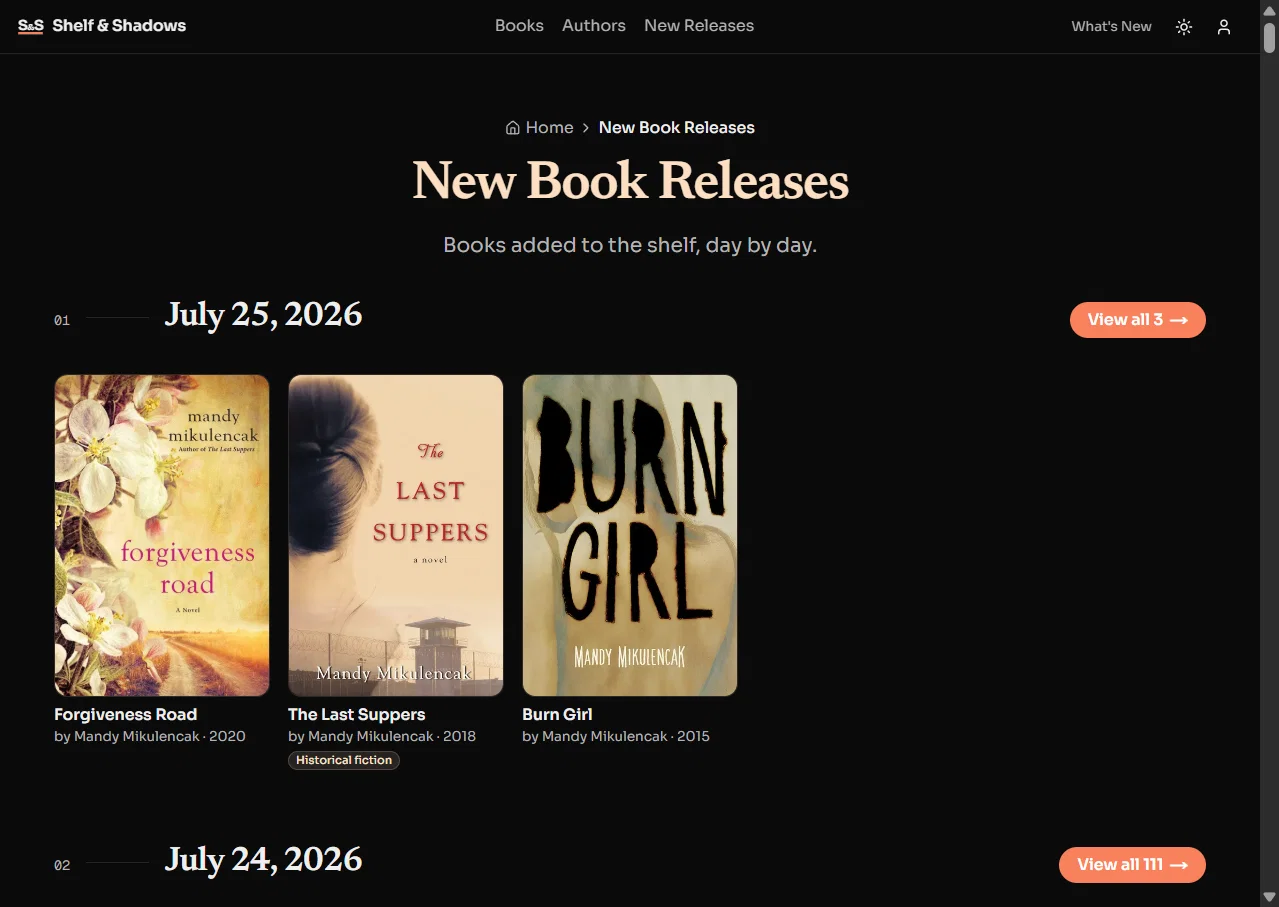
    Now you can subscribe to email notifications for the authors and series you care about. When a new book is added to the site, we will send you a short email with what was added and where it fits in the series. No marketing, no weekly digests you did not ask for — just the book, when it appears.

    Head to any author or series page and hit Subscribe. You choose what you want to hear about. If you follow five authors but only want email alerts for two of them, that is fine. You can manage your notification preferences from your account settings at any time.

    We built this on our own self-hosted email infrastructure, which means your inbox is not at the mercy of a third-party marketing platform. Emails come from us, they contain what we said they would contain, and you can unsubscribe in one click.

    If you are the kind of reader who wants to know the moment a new book drops, this is for you.

    Add a comment

    Comments